

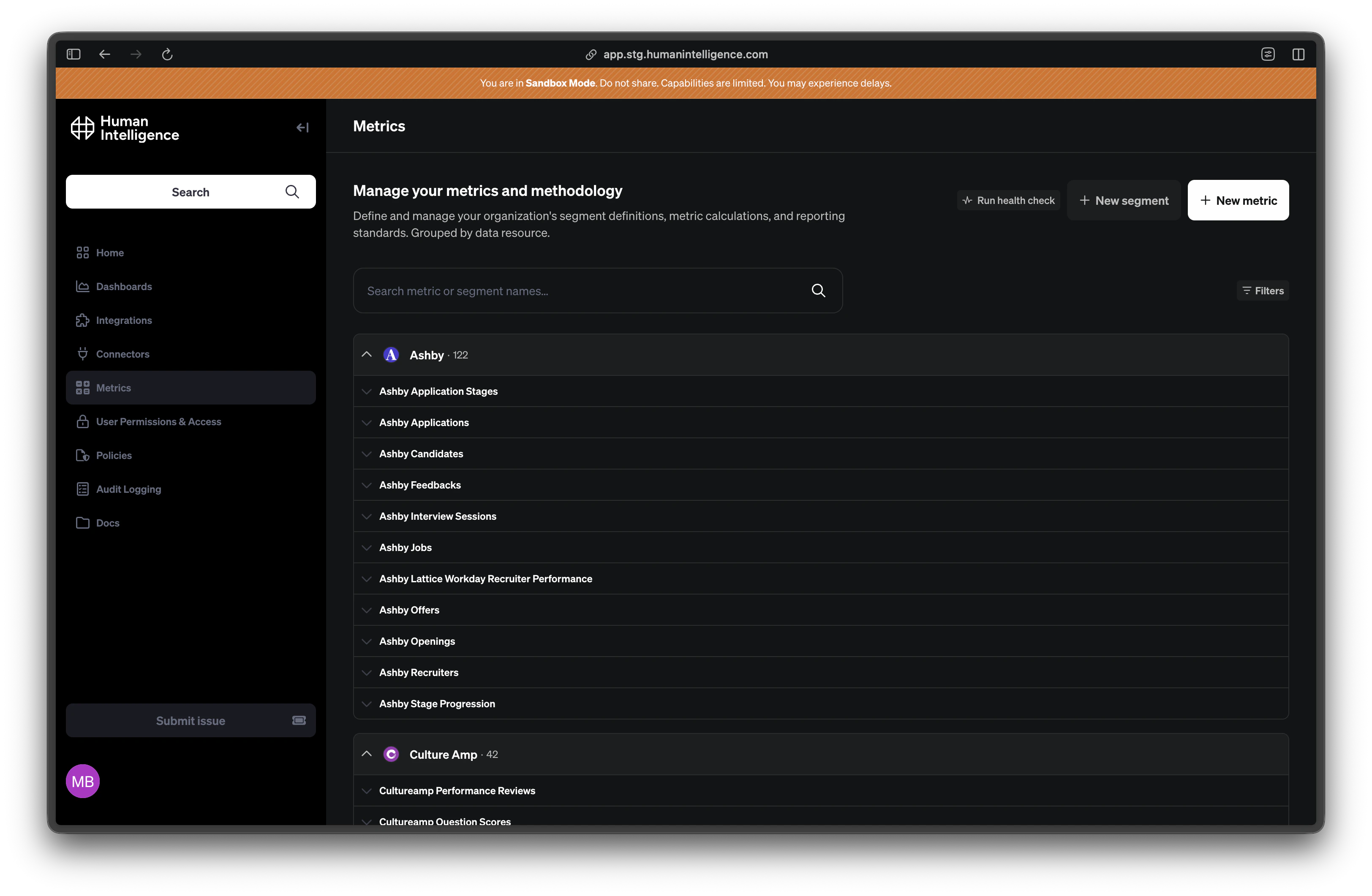
What Makes Up a Metric
Every metric in Human Intelligence is built from a few key pieces. Expand each one below to learn what it does.Name and Description
Name and Description
Every metric has a short name (like
headcount or offer_acceptance_rate) and a plain-English description that explains what it measures. The name is how systems reference it; the description is how people understand it.Formula
Formula
The formula is the actual calculation — the math behind the number. For example, headcount might use a simple count of employee records, while offer acceptance rate divides accepted offers by total offers extended. You don’t need to write code; Human Intelligence walks you through building the formula step by step.
Measure Type
Measure Type
The measure type tells the platform what kind of number this metric produces. Common types include:
- Count — counts records (e.g., number of employees)
- Average — averages values (e.g., average days to fill a role)
- Sum — adds values together (e.g., total compensation spend)
- Number — a derived calculation like a ratio or percentage
Scope
Scope
The scope defines which group of people the metric includes by default. For example, headcount might default to the active_workers segment so it automatically excludes terminated employees. Learn more on the Scopes page.
Guidance
Guidance
Guidance is where your organization adds context — why this metric was defined a certain way, when to use it, and what to watch out for. It’s the human layer on top of the formula that helps people interpret results correctly.
Types of Metrics
Platform Metrics
Default definitions that Human Intelligence provides out of the box. These cover common people analytics calculations like headcount, attrition, and time-to-fill. They’re ready to use from day one.
Custom Metrics
Metrics your organization creates for your own business needs. If you measure something unique — like a specific engagement score or a custom retention calculation — you build it as a custom metric.
Platform Overrides
Your organization’s version of a platform metric. If the default headcount definition doesn’t quite fit how you count employees, you override it with your own logic while keeping the same metric name.
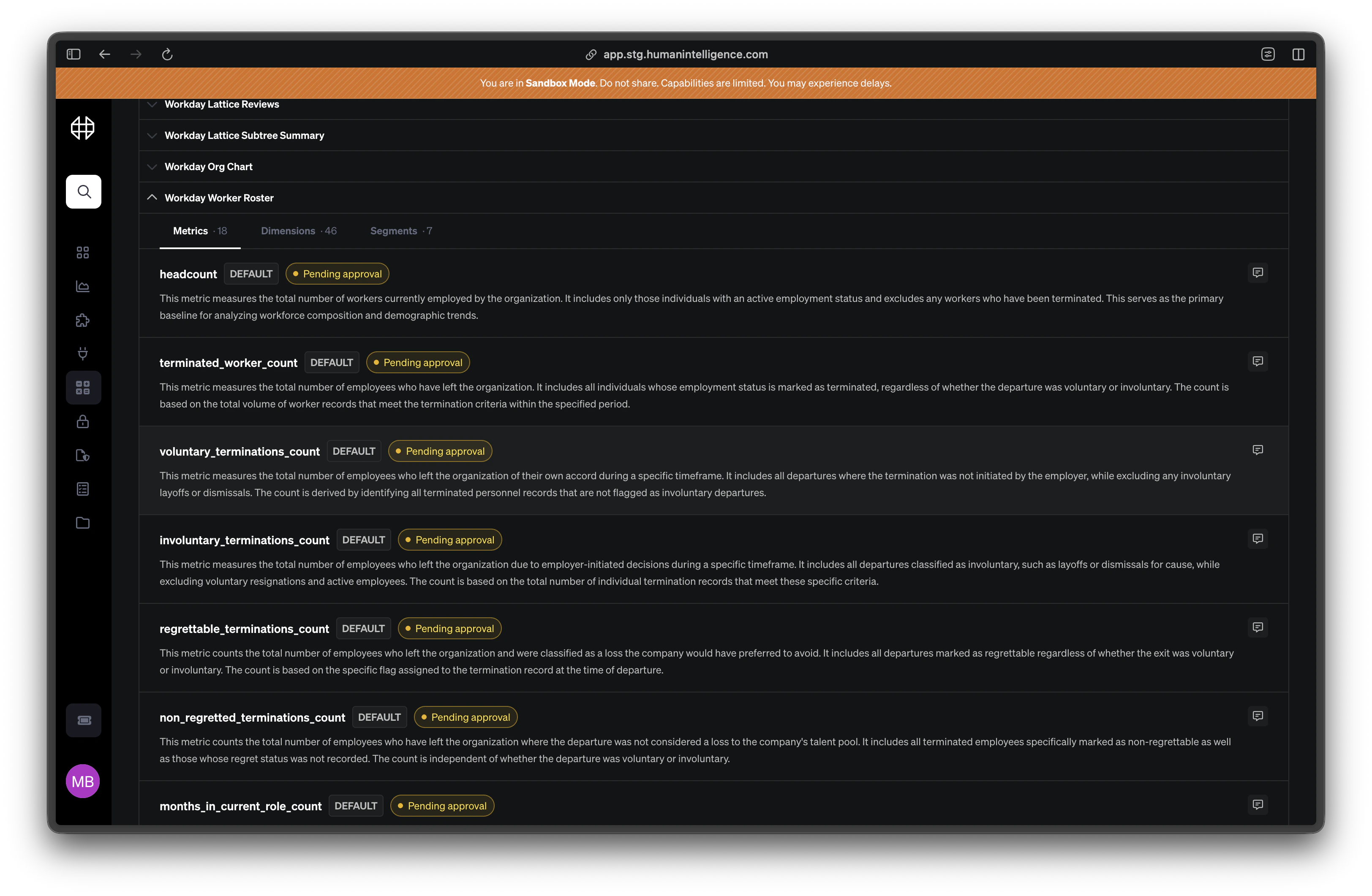
Creating or Editing a Metric
1
Open the metric catalog
Navigate to the Metrics section from the sidebar. You’ll see all available metrics for your organization.
2
Create or select a metric
Click New Metric to start from scratch, or click an existing metric to edit it. If you’re editing a platform metric, the platform will create an override so the original stays intact.
3
Define your formula and scope
Fill in the name, description, formula, and measure type. Choose a default scope to set who the metric includes. Add guidance notes to help your team interpret the results.
4
Preview and validate
Before saving, Human Intelligence validates your formula and shows a preview of the results. Review the numbers to make sure everything looks right.
5
Save and publish
Once you’re satisfied, save the metric. It becomes the trusted definition for your organization.
Example: Headcount = count of active employees. Default scope: the
active_workers segment. Guidance: “Includes all active full-time and part-time employees. Excludes contractors and contingent workers.”