

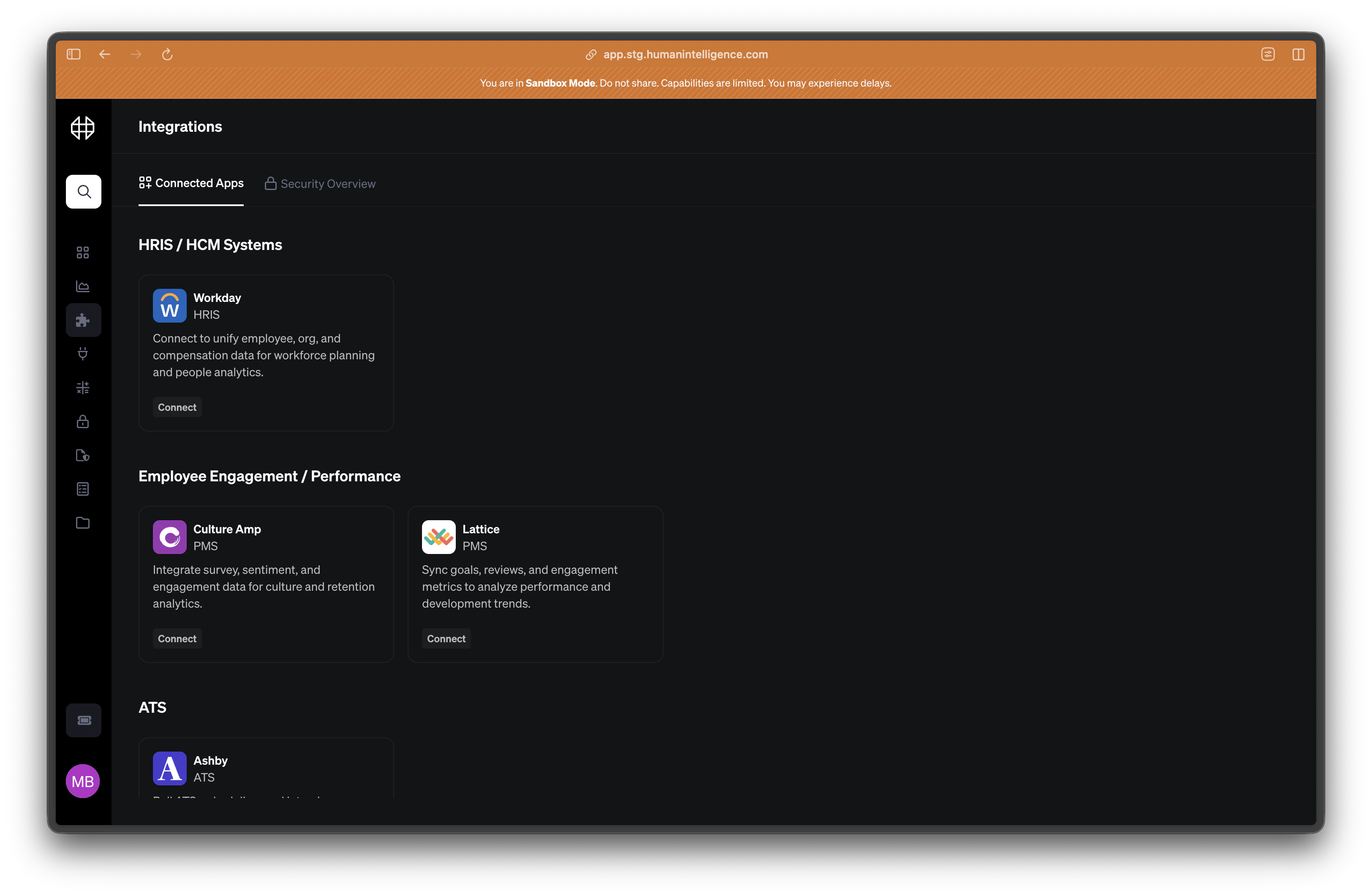
Supported Providers
We support a wide range of people systems across five provider families. If you don’t see your system listed, reach out — we’re adding new connectors regularly.HRIS
Core people data — headcount, org structure, demographics.
- Workday
- BambooHR
- Rippling
ATS
Recruiting and hiring pipeline data.
- Greenhouse
- Lever
- Ashby
Performance & Engagement
Reviews, ratings, and survey results.
- Lattice
- Culture Amp
- 15Five
Workplace & Collaboration
Tools your teams use every day.
- Slack
- Microsoft 365
- Google Workspace
Finance & Equity
Compensation, equity, and financial planning.
- Carta
- Shareworks
- Pave
Don’t see your system? We’re always adding new providers. Talk to us and we’ll let you know what’s on the roadmap.
How to Connect
1
Go to the Integrations page
From the left sidebar, click Integrations. You’ll see a list of available providers organized by category.
2
Select your provider
Find the system you want to connect and click on it. You’ll see a brief description of what data will be synced along with any prerequisites.
3
Authenticate and confirm
Follow the prompts to log in to your provider and grant access. Most connections use OAuth, so you won’t need to copy API keys. Once authenticated, your first data sync will begin automatically.
Connection Health
After connecting a provider, you can monitor its status on the Integrations page. Each connection shows one of four states:Integrations feed your datasets. Datasets power your metrics. A healthy integration is the foundation of trustworthy analytics.