> ## Documentation Index
> Fetch the complete documentation index at: https://docs.humanintelligence.com/llms.txt
> Use this file to discover all available pages before exploring further.
# Overview
> Governed people data, ready for your AI tools.
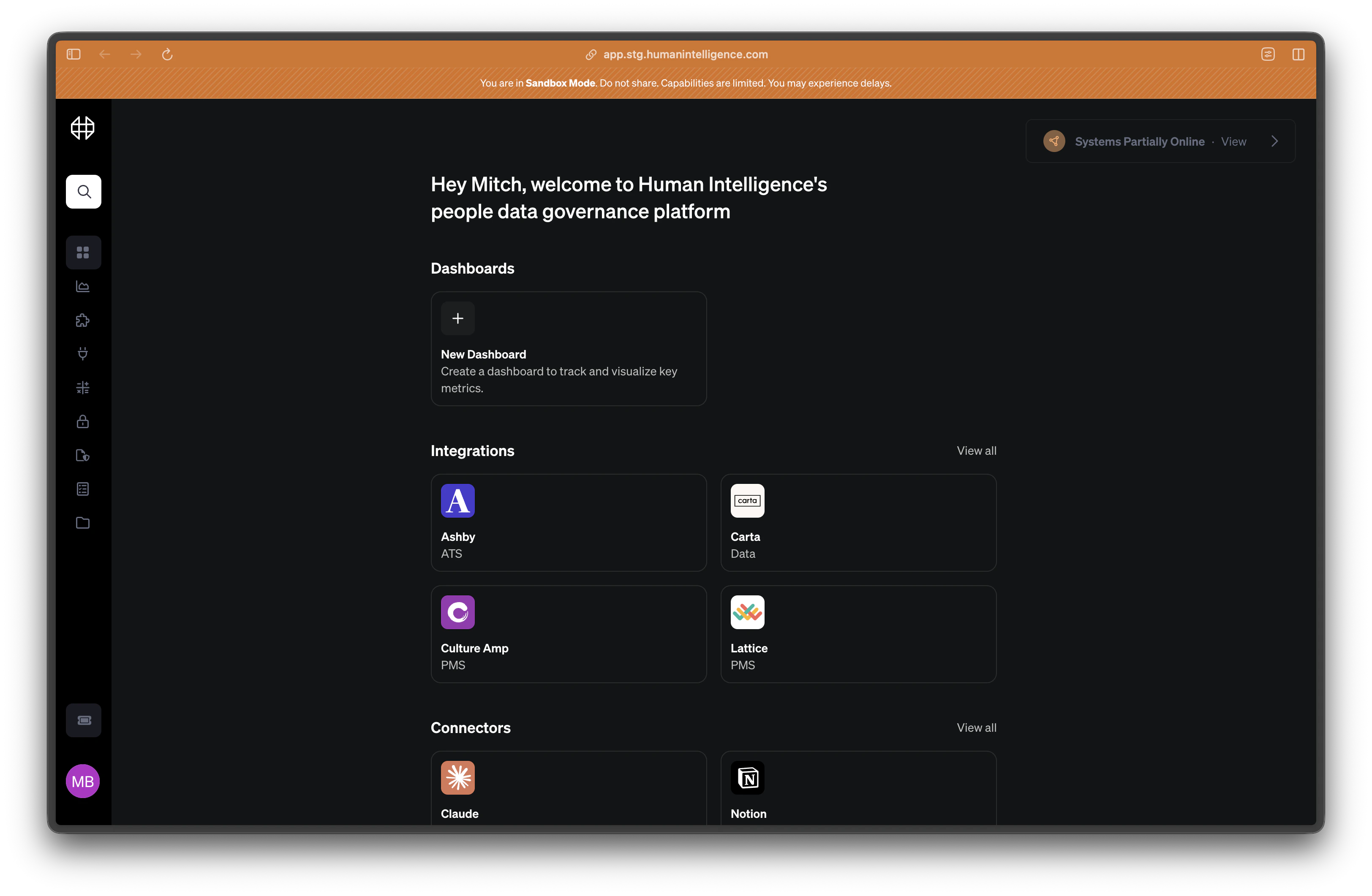
Human Intelligence connects your people systems and governs your metrics, segments, and scopes in one place. Then you access that trusted data through MCP connectors in Claude, ChatGPT, Notion, or any agent harness.
 ## Get started
Get set up in under 10 minutes — from your first integration to your first MCP connector.
Bring your governed data into Claude, ChatGPT, Notion, and other AI tools via MCP.
Explore the pre-built metrics catalog and see how every number is defined.
Control who sees what with categories, roles, and scopes.
## What you can do
* **Connect your people systems.** Pull data from Workday, BambooHR, Greenhouse, Ashby, Lattice, Culture Amp, and more — all into one governed layer.
* **Define trusted metrics.** Every metric has a clear formula, scope, and source. No more conflicting definitions or mystery spreadsheets.
* **Control who sees what.** Categories and roles let you decide exactly which teams and individuals can access which metrics and dimensions.
* **Use your data in Claude, ChatGPT, and Notion.** MCP connectors bring your governed people data directly into the AI tools where you already work. Ask questions, build reports, and run analyses right there.
**New here?** Start with the [Quickstart guide](/quickstart) to connect your first integration and set up your first MCP connector in just a few minutes.
## Get started
Get set up in under 10 minutes — from your first integration to your first MCP connector.
Bring your governed data into Claude, ChatGPT, Notion, and other AI tools via MCP.
Explore the pre-built metrics catalog and see how every number is defined.
Control who sees what with categories, roles, and scopes.
## What you can do
* **Connect your people systems.** Pull data from Workday, BambooHR, Greenhouse, Ashby, Lattice, Culture Amp, and more — all into one governed layer.
* **Define trusted metrics.** Every metric has a clear formula, scope, and source. No more conflicting definitions or mystery spreadsheets.
* **Control who sees what.** Categories and roles let you decide exactly which teams and individuals can access which metrics and dimensions.
* **Use your data in Claude, ChatGPT, and Notion.** MCP connectors bring your governed people data directly into the AI tools where you already work. Ask questions, build reports, and run analyses right there.
**New here?** Start with the [Quickstart guide](/quickstart) to connect your first integration and set up your first MCP connector in just a few minutes.